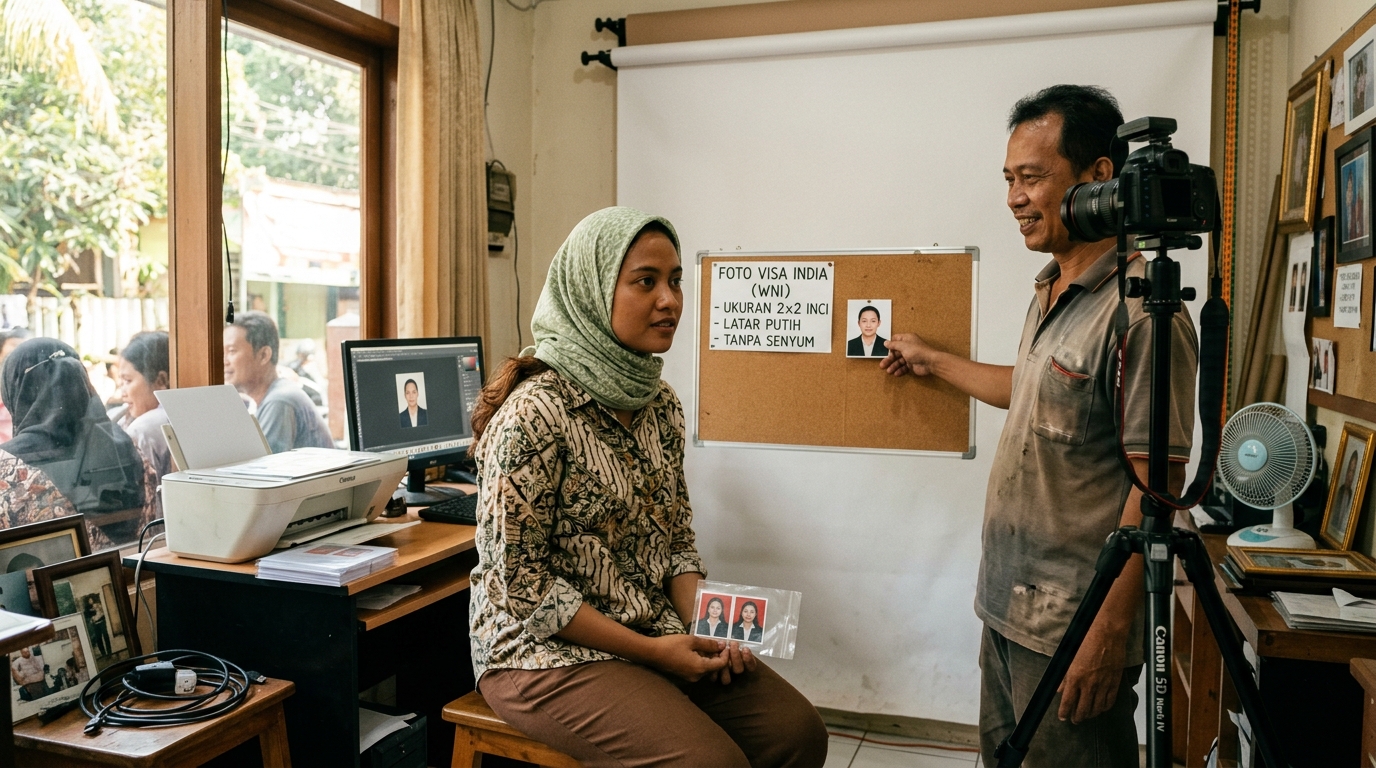
Langkah 1
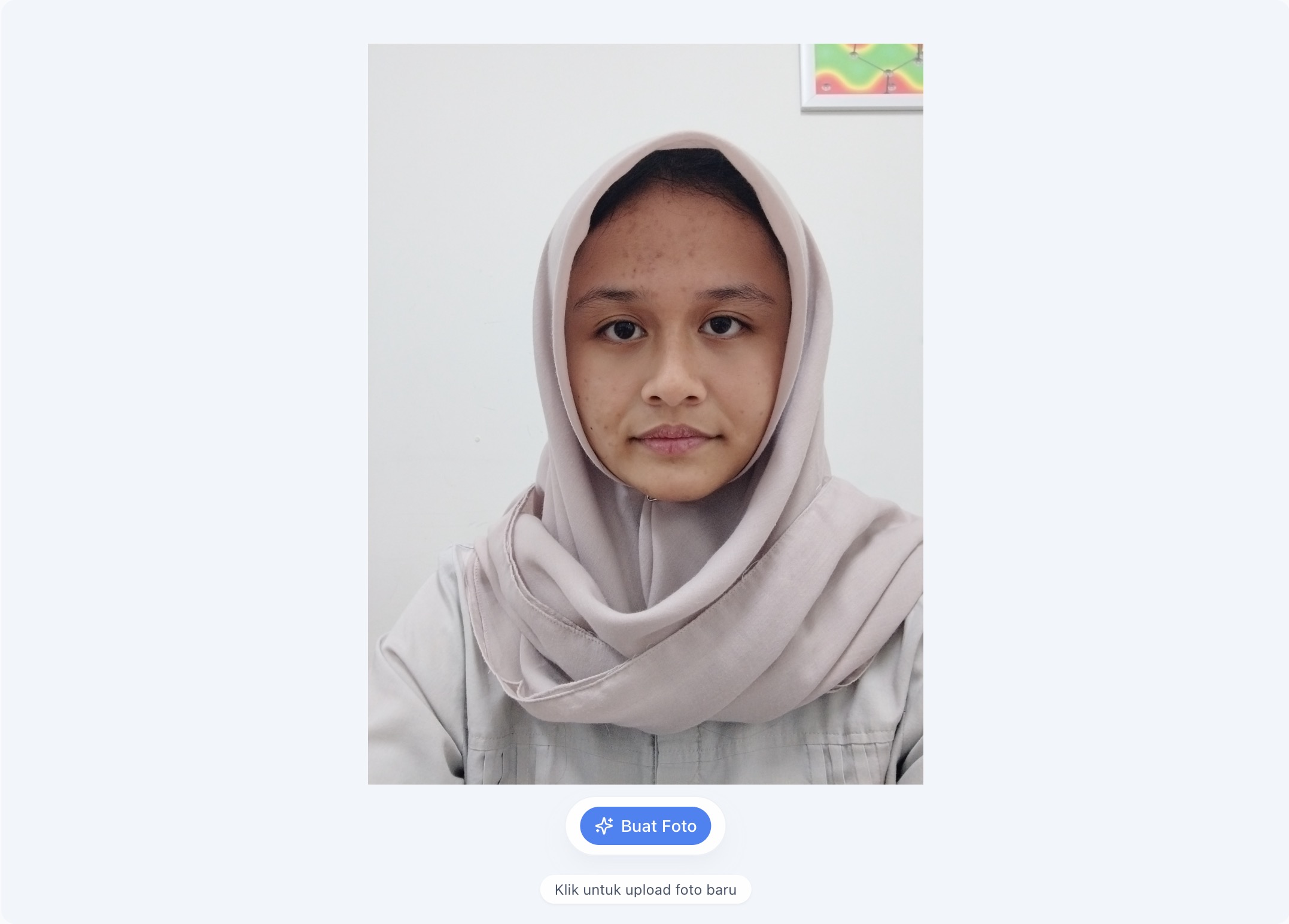
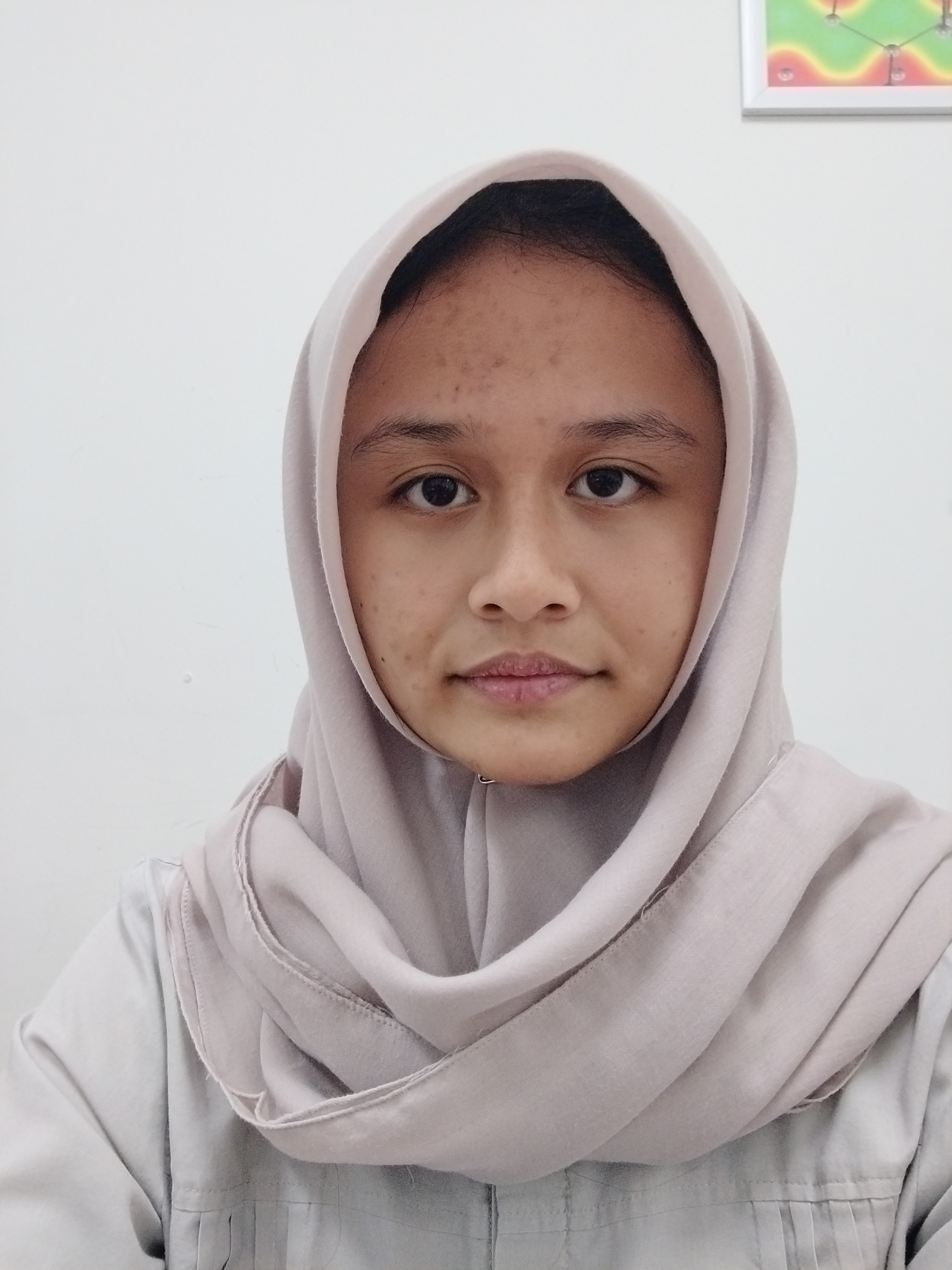
Upload a clear selfie
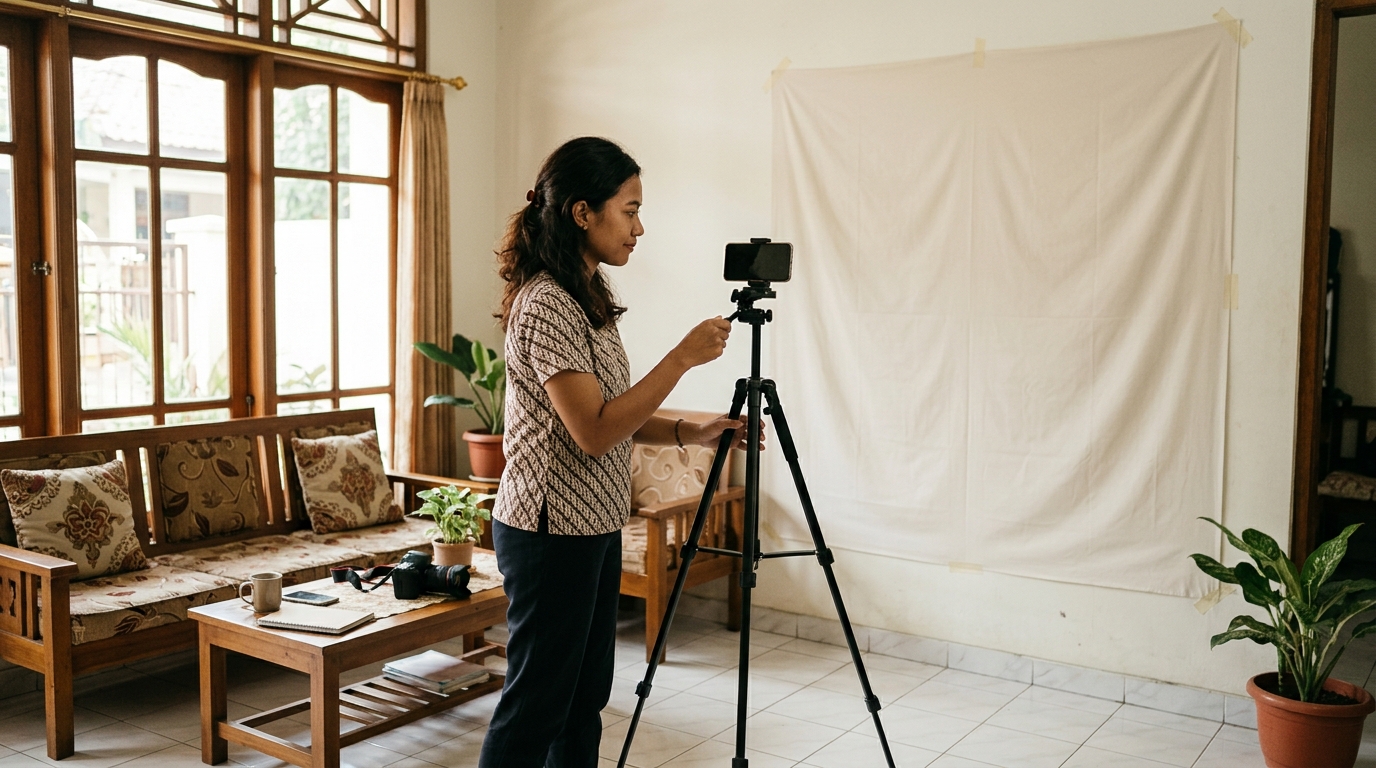
Use a photo with enough light, a visible face, and a straight angle toward the camera.

Passport & Visa Photos
Upload a selfie, choose from available country templates — US, Japan, Schengen, Australia, Canada, UK, or Indonesia — then PasPoto helps prepare a neater photo for your passport and visa needs, without a studio visit.
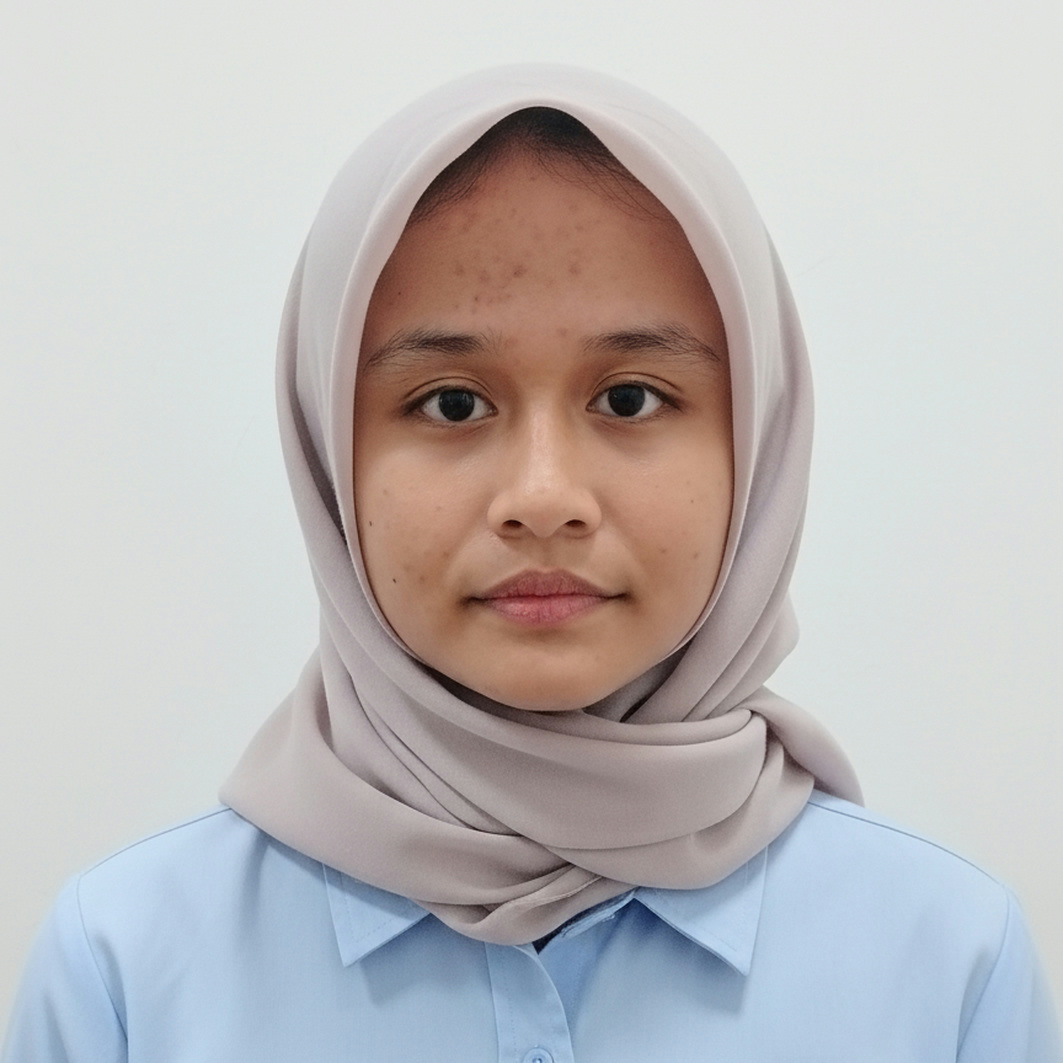
A serious workflow to help prepare passport and visa photos from a selfie using available country templates.
Cara kerja
Ikuti langkah singkat ini untuk mendapatkan hasil terbaik tanpa perlu datang ke studio.
Langkah 1
Use a photo with enough light, a visible face, and a straight angle toward the camera.
Langkah 2
Choose a template for US, Japan, Schengen, Australia, Canada, UK, or Indonesia passport photos.
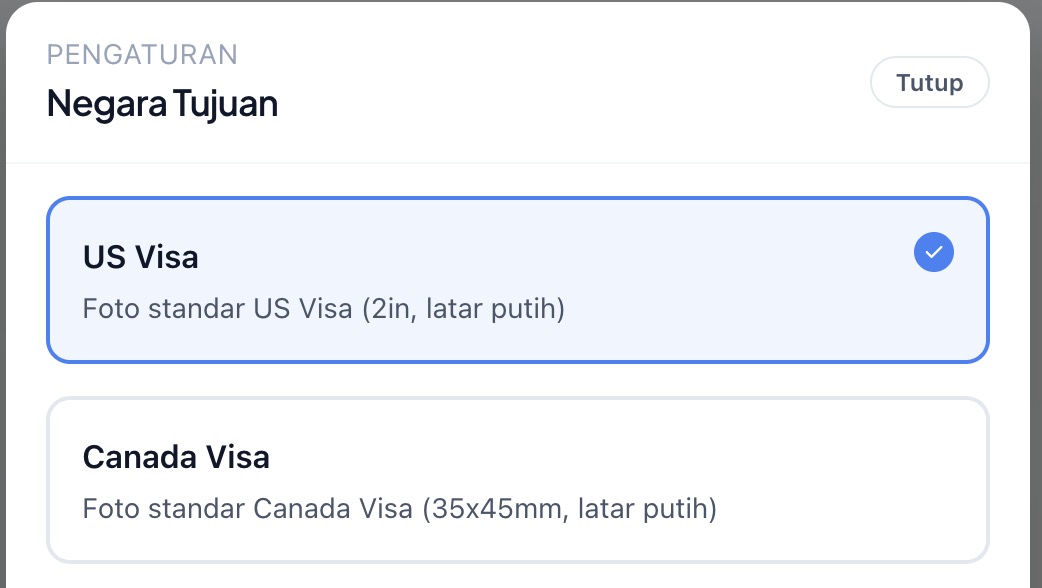
Langkah 3
Check the framing, background, and overall size before finalizing the photo.
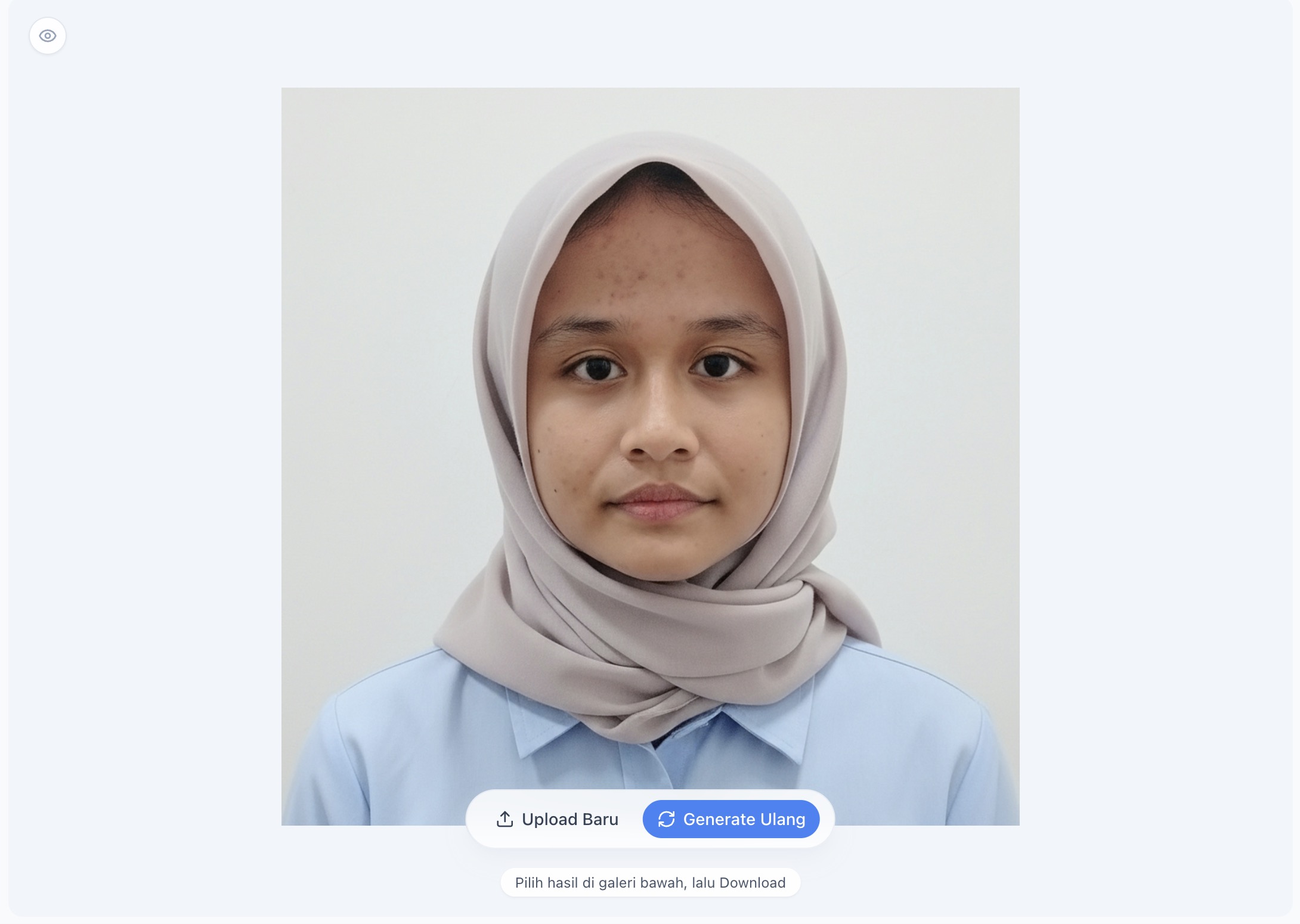
Langkah 4
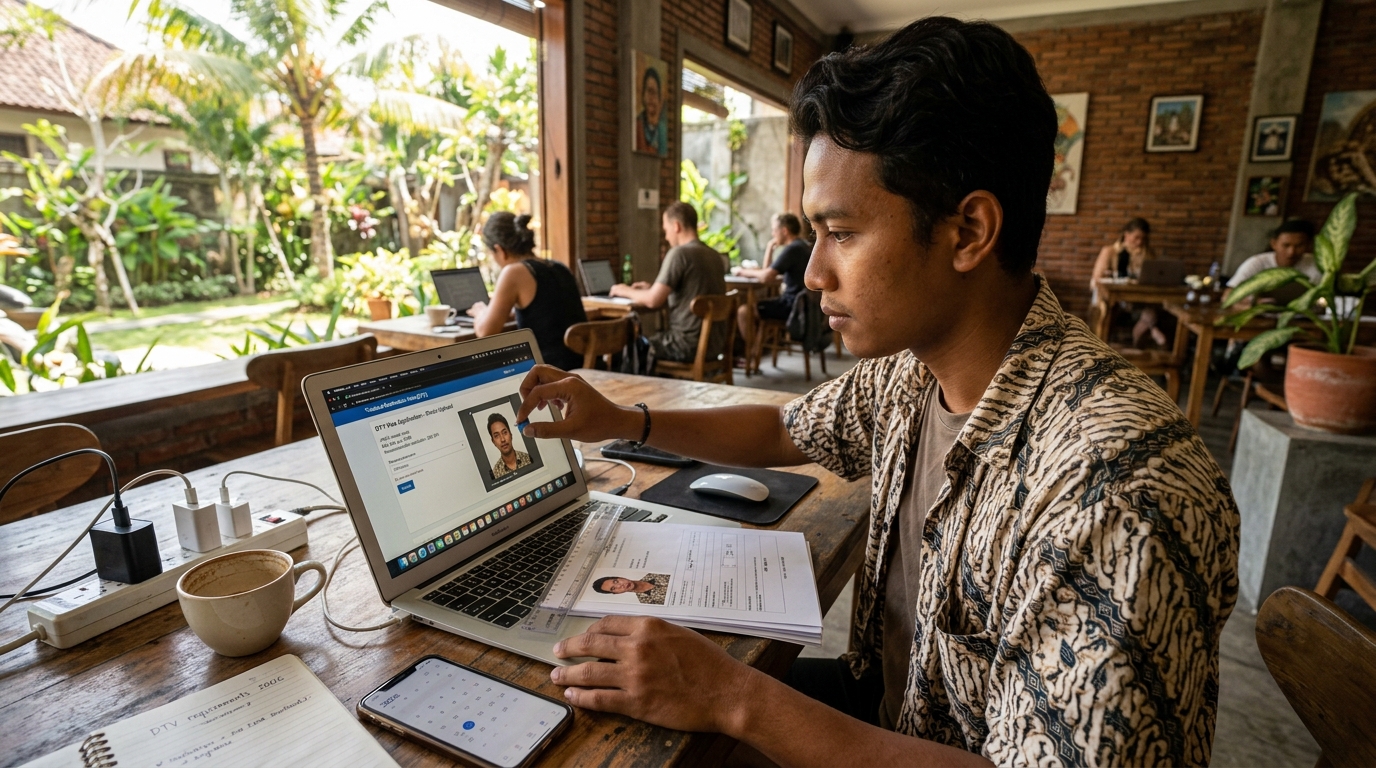
Use the final result for upload or print from home based on the document process you are handling.
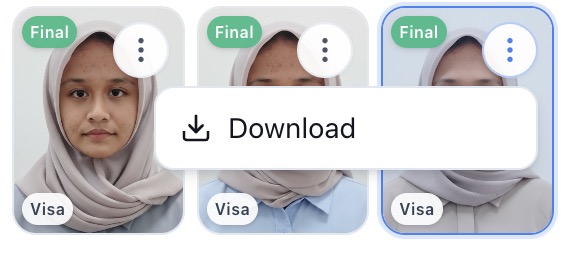
Each step helps reduce uncertainty before the photo is used for upload or print.
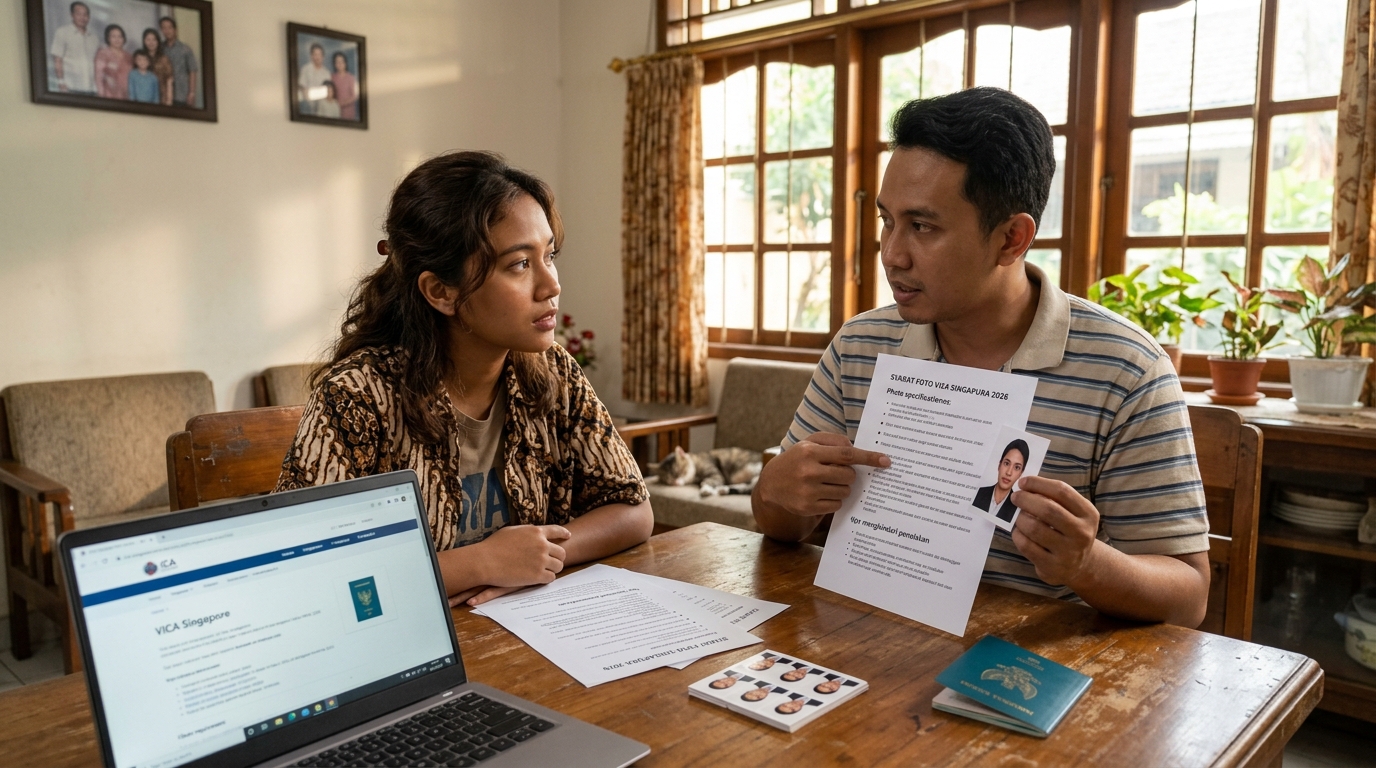
Use available templates for US, Japan, Schengen, Australia, Canada, UK, or Indonesia passport photos so the size, proportion, and background match your needs.
The photo is refined so face position, headroom, and composition better match international passport and visa standards.
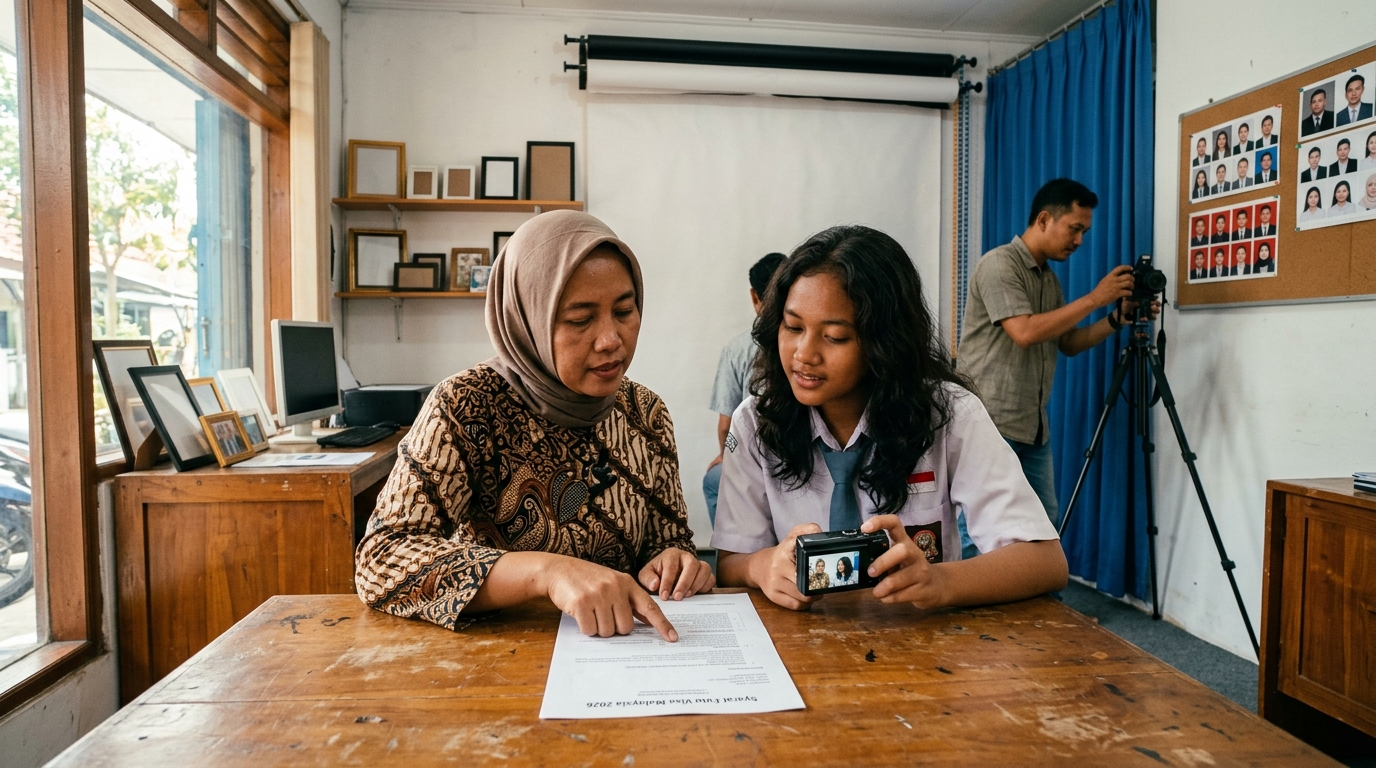
Without a studio visit, you can help prepare a neater, more formal-looking photo for travel documents from a photo you already have.
Use cases
Quick answers about PasPoto, privacy, and paid packages.
Still need help? Our team is ready to assist.
Start with one selfie, choose a country template, then help prepare a neater photo — without a studio visit.
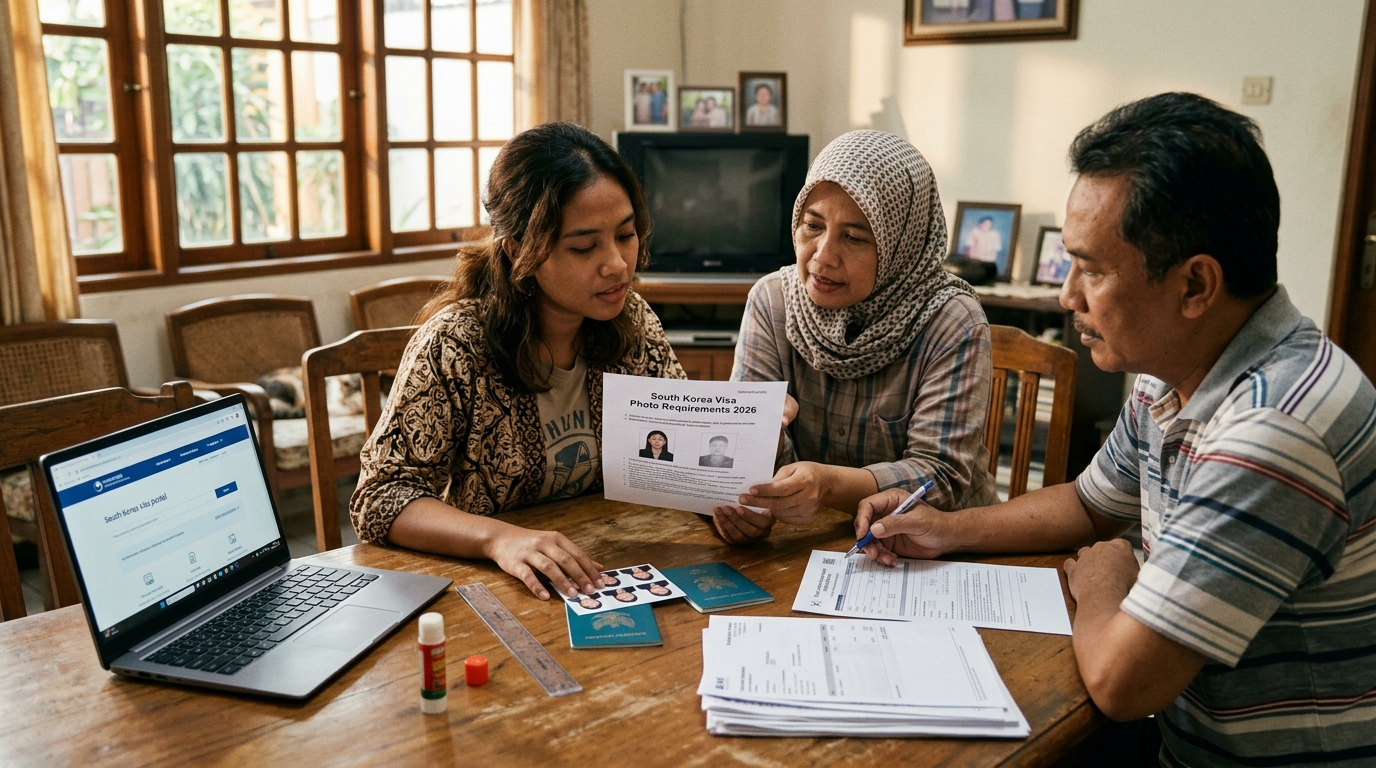
Pelajari cara membuat foto visa Korea Selatan yang sesuai untuk tahun 2026 dengan syarat dan tips praktis dalam artikel ini.