Langkah 1
Upload your photo
Use the selfie you have. No need to visit a studio or prepare a special photo from scratch.
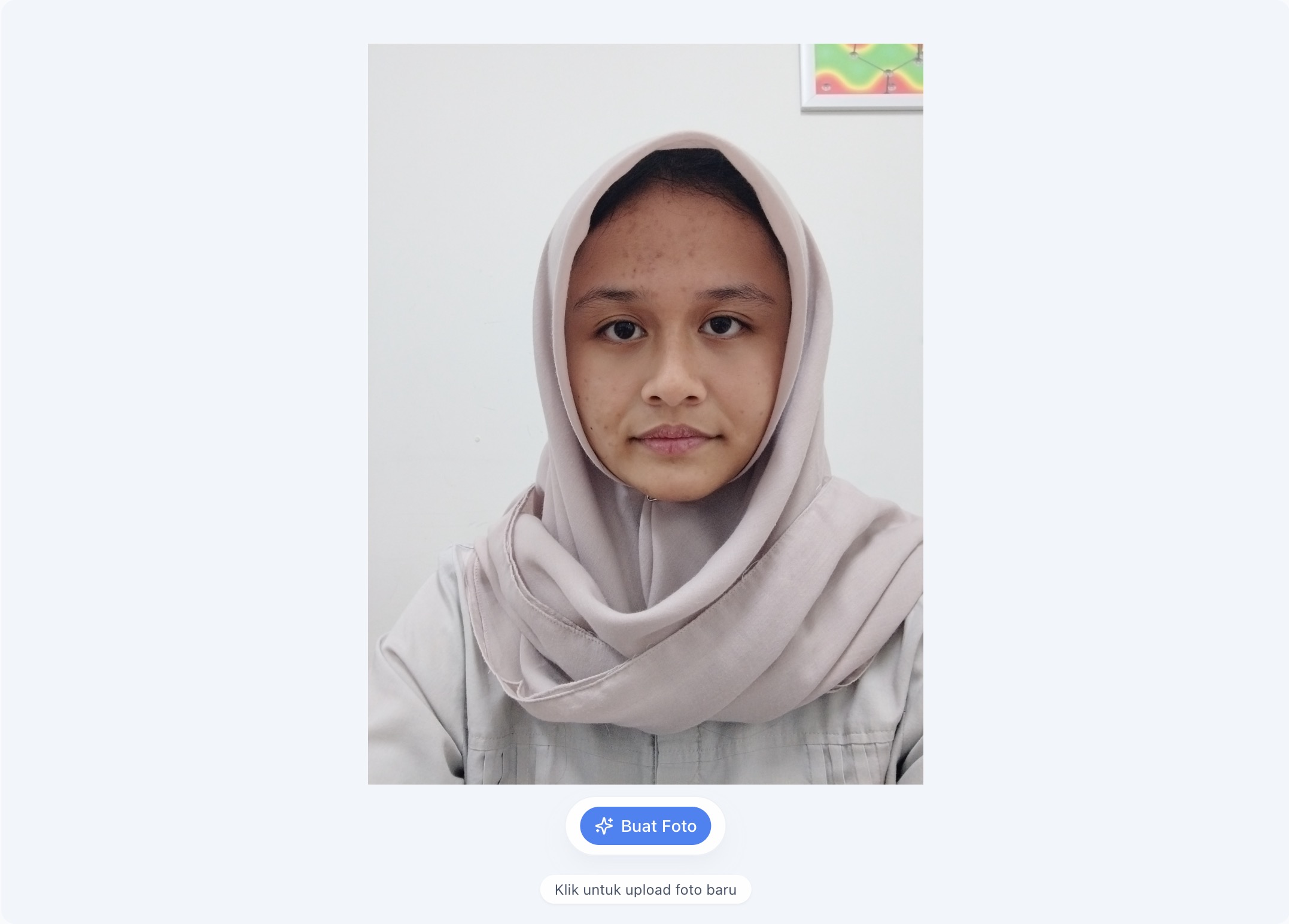

AI ID Photos Online
Start with the selfie you have. Choose 2x3, 3x4, or 4x6, preview the result, then download it. Pose and framing are refined. Check the destination institution's size and background requirements before use.

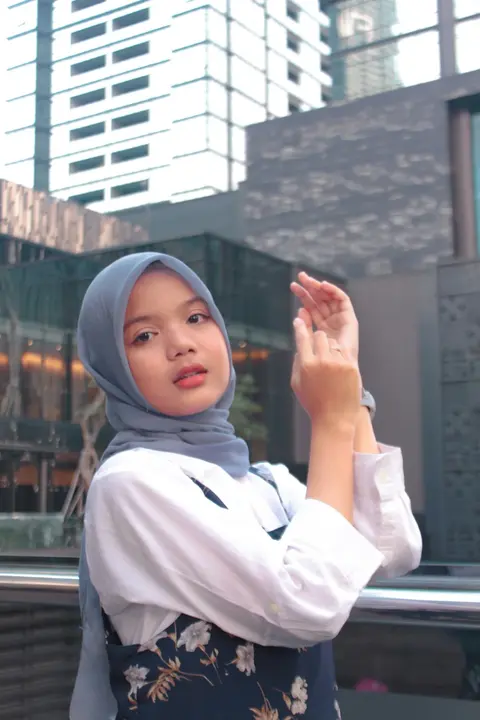
Example selfie transformed into a print-ready ID photo
Cara kerja
Ikuti langkah singkat ini untuk mendapatkan hasil terbaik tanpa perlu datang ke studio.
Langkah 1
Use the selfie you have. No need to visit a studio or prepare a special photo from scratch.
Langkah 2
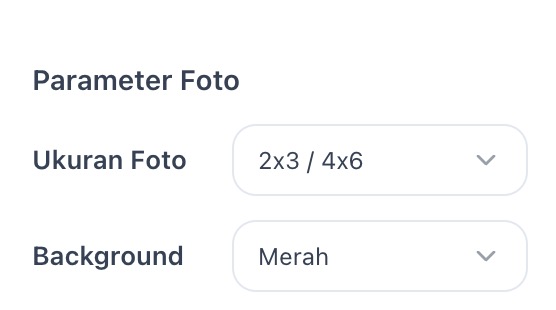
Pick 2x3, 3x4, or 4x6. Pose and framing are refined automatically.
Langkah 3
ID photos are refined and ready to use. Download for your needs.
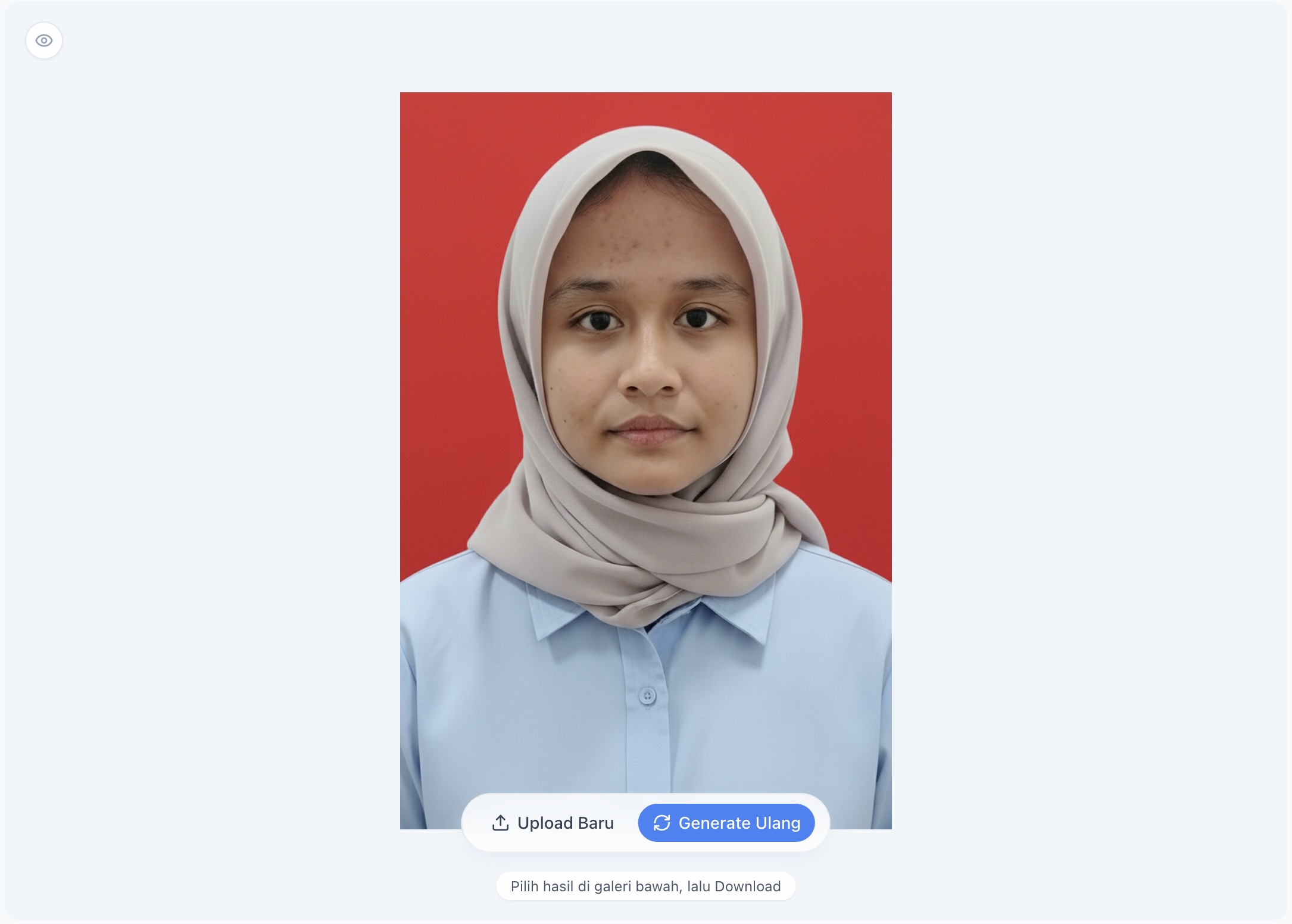
Start from the selfie you have, ready for various needs.
When you need an ID photo quickly, you can start from the photo you already have. Pose and framing are refined automatically — just upload a selfie and pick a size.
Choose the size you need. The system helps adjust ratio, pixel dimensions, and DPI to print standards.
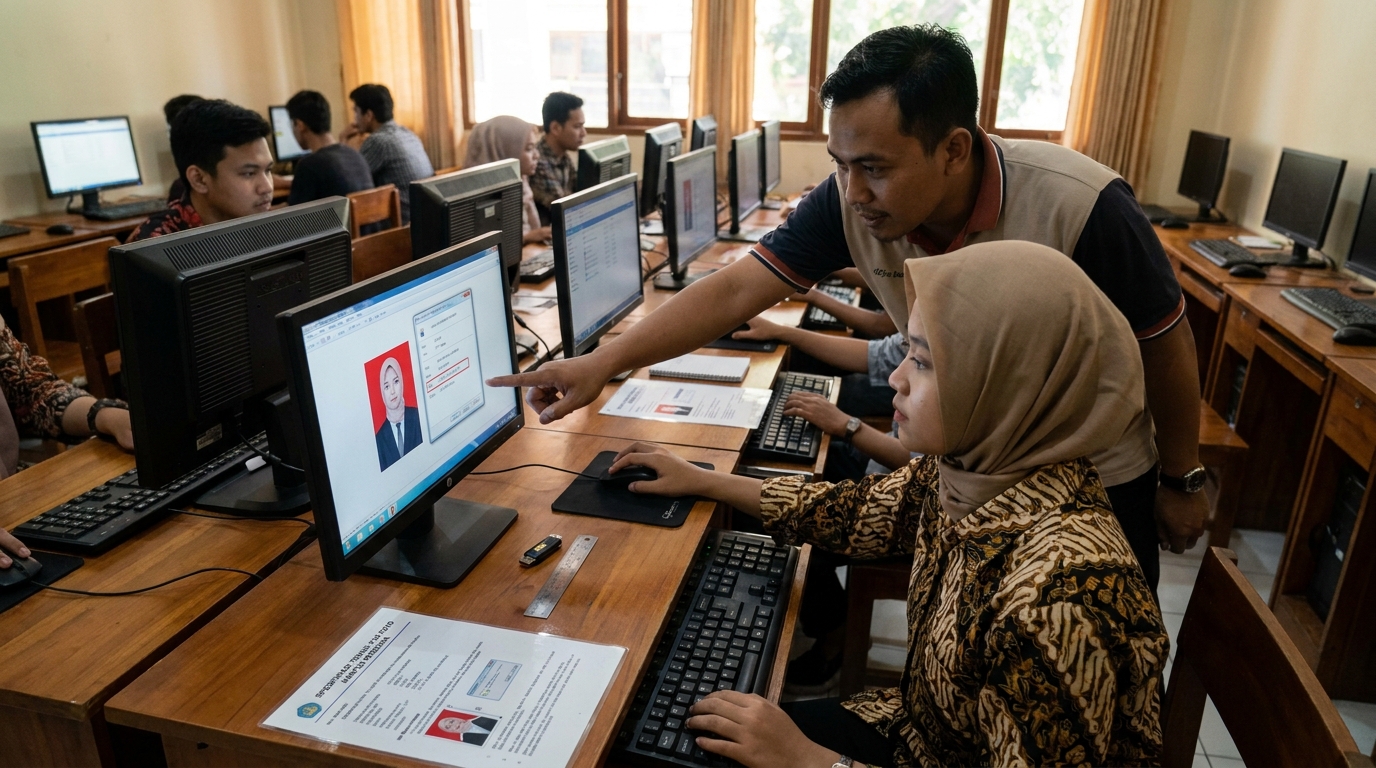
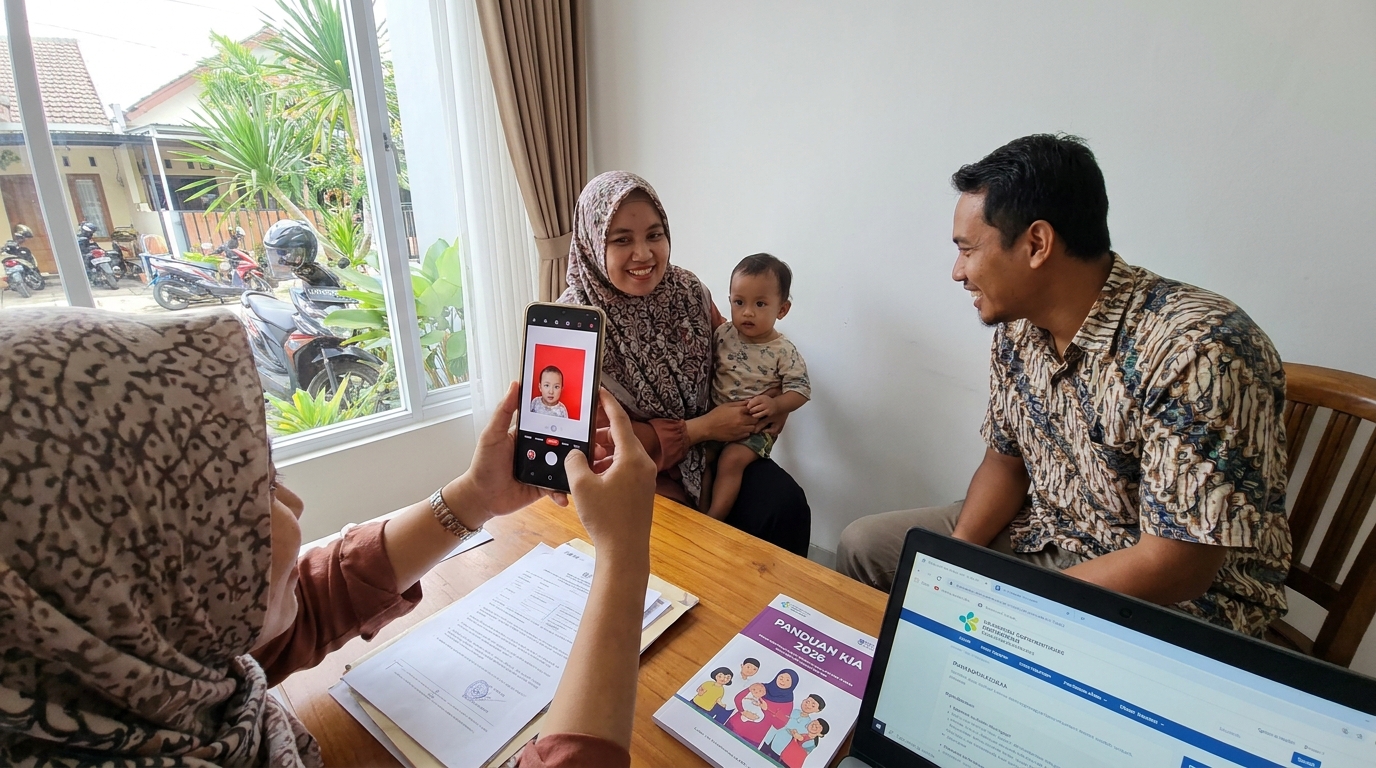
ID photos that can be prepared for job applications, KTP, SIM, graduation, and other administrative needs.
Size
Choose the photo size you need and review the pixel details for each size.
Background Color
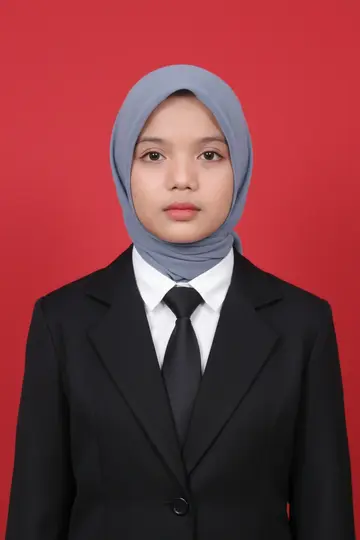
Size
3 × 4 cm
Aspect ratio
3:4
Background Color
Red
Quick answers about PasPoto, privacy, and paid packages.
Still need help? Our team is ready to assist.
When you need ID photos that look more ready to use, PasPoto helps start from the photo you already have.
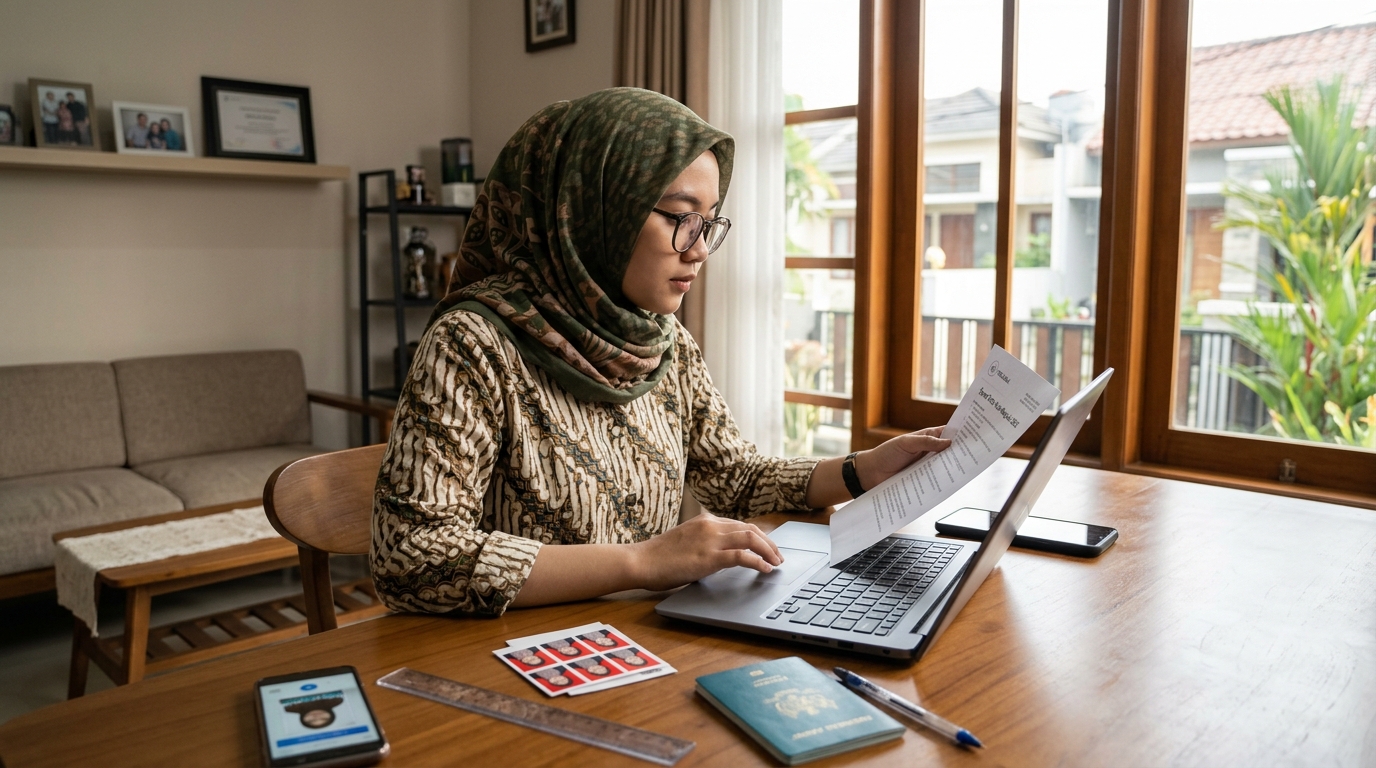
Panduan foto untuk jalur Malaysia eVISA yang dirujuk: cek ukuran yang diminta portal, gunakan foto studio dengan latar putih polos, dan ikuti instruksi terbaru. Ketentuan jalur lain dapat berbeda.